Chickadee CMS
Ask for a demo

A town website the town office can run

Chickadee CMS is a website platform for small-town governments. Agendas, minutes, the calendar, alerts and forms are each kept up to date by the department or board responsible for them.

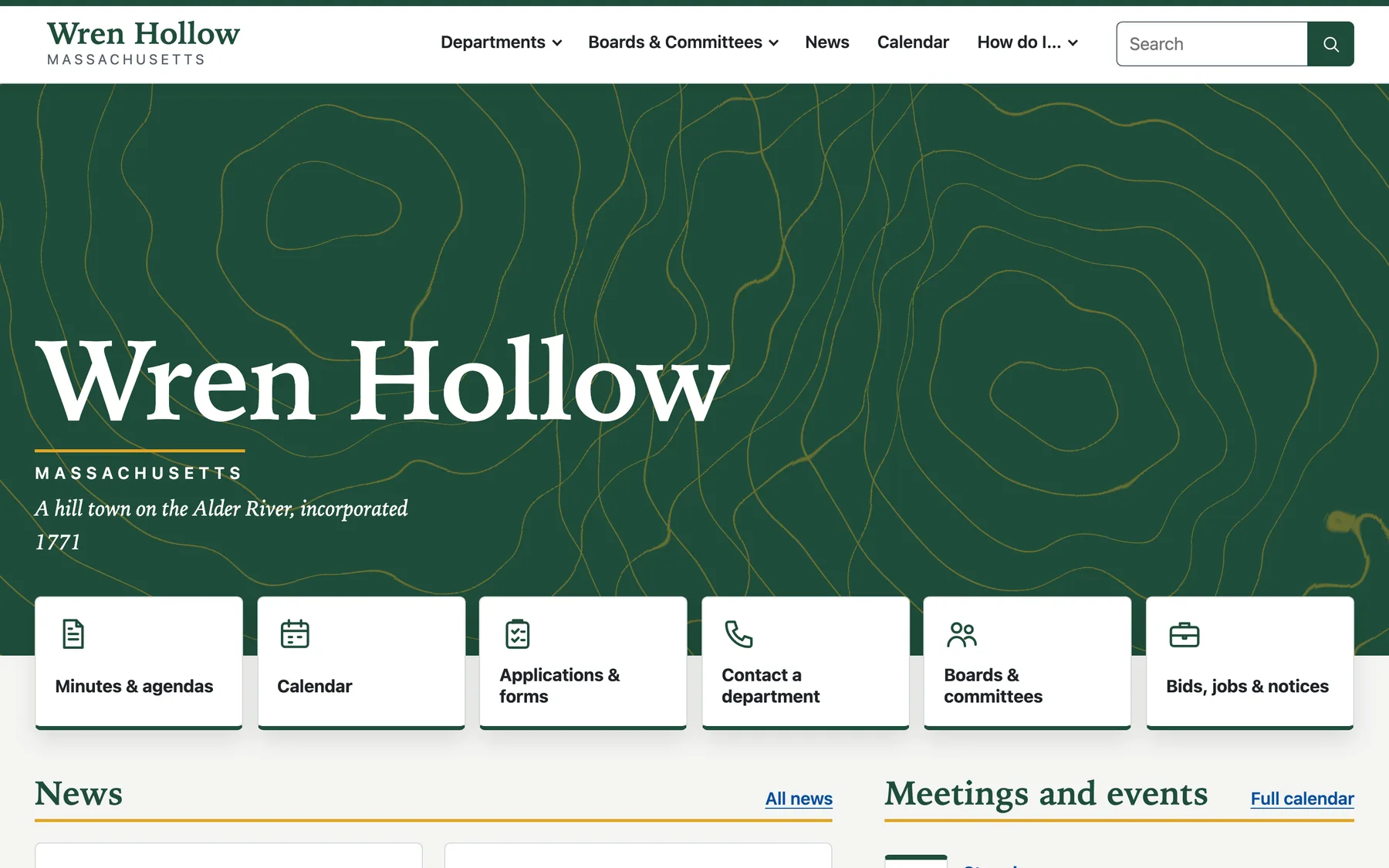
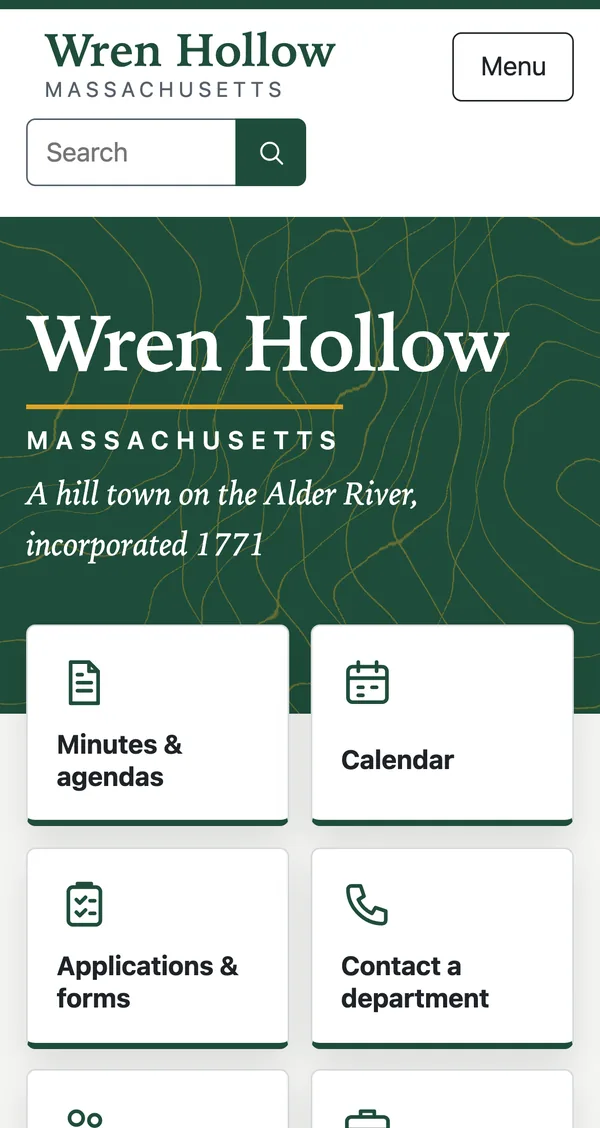
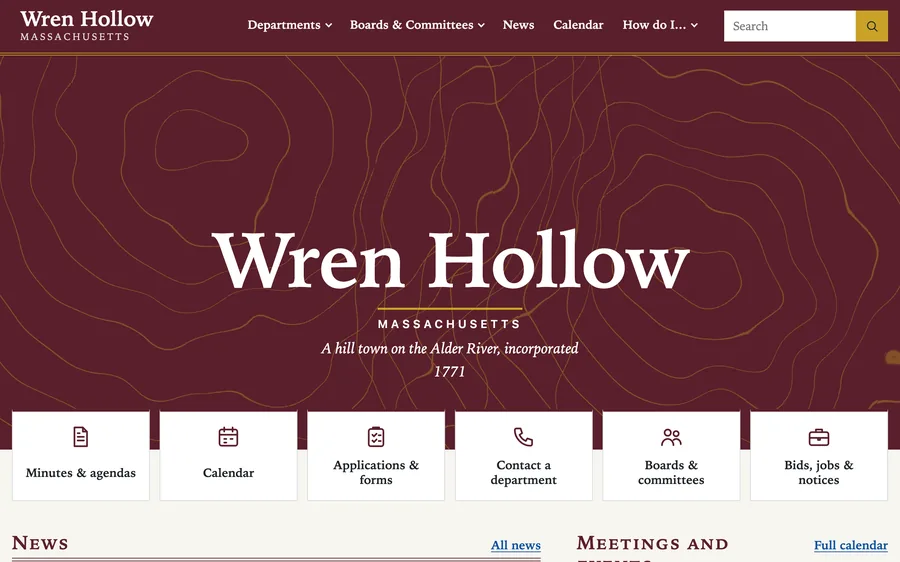
Home page of a town website built with Chickadee, showing the town name, a search box and links to minutes, the calendar, forms and contacts. The same home page on a phone.

What residents find

Minutes and agendas
Every board's meetings, organized by year.
Calendar
View by month, week or list. Residents can follow along from their own phone calendar.
Email alerts
Residents choose the boards they care about and get an email when something new is posted.
Urgent alerts
A banner across every page for news that cannot wait, such as a road closure or a boil-water order.
Documents and forms
A document library sorted by category, a page for forms and an A to Z index.
Departments and boards
A page for each one, with its people, hours and phone number.
Bids, jobs and notices
Posted with their closing dates.
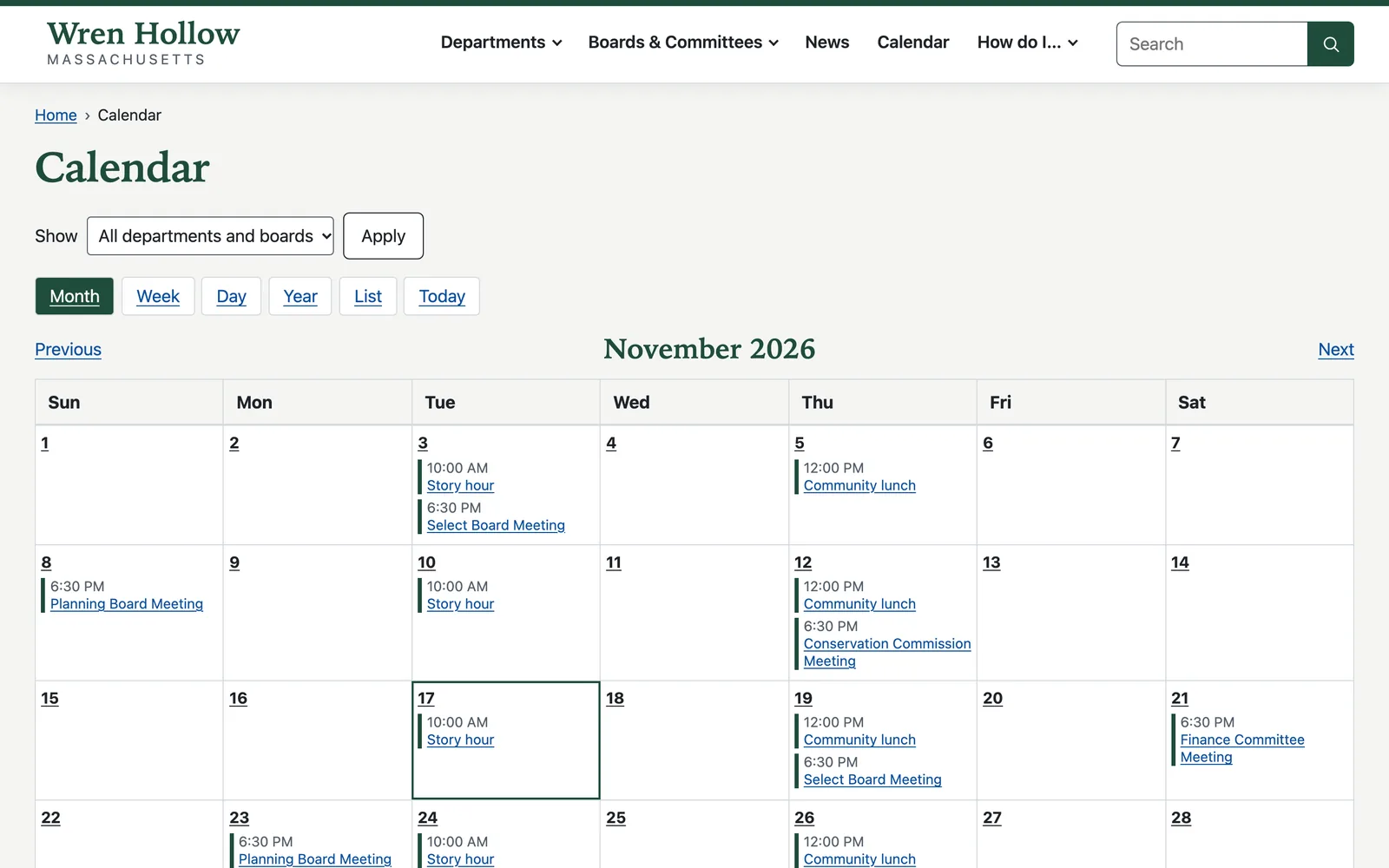
A town calendar for November showing board meetings, story hour at the library and a weekly community lunch.

What staff do

Chickadee is simple to learn and easy to use. Staff can handle the everyday work of keeping the site current on their own.

Everyday jobs come first

Posting minutes, adding a document and sending an urgent alert are all on the first screen staff see when they sign in.
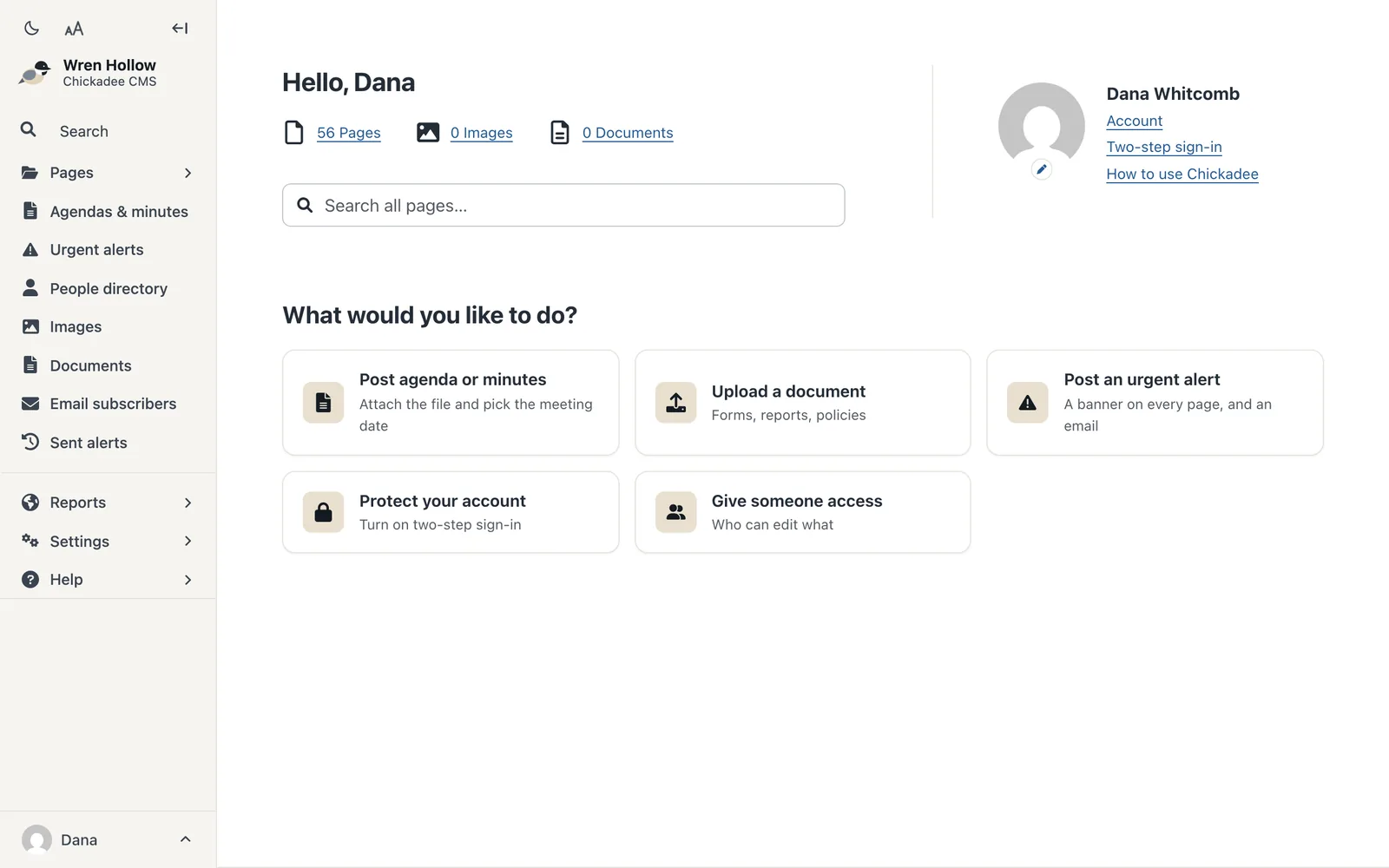
The Chickadee dashboard, with large buttons for posting an agenda or minutes, adding a document and posting an urgent alert.

Post an agenda from one screen

Choose the board and the meeting date, then add the agenda. It is published right away and added to the calendar.
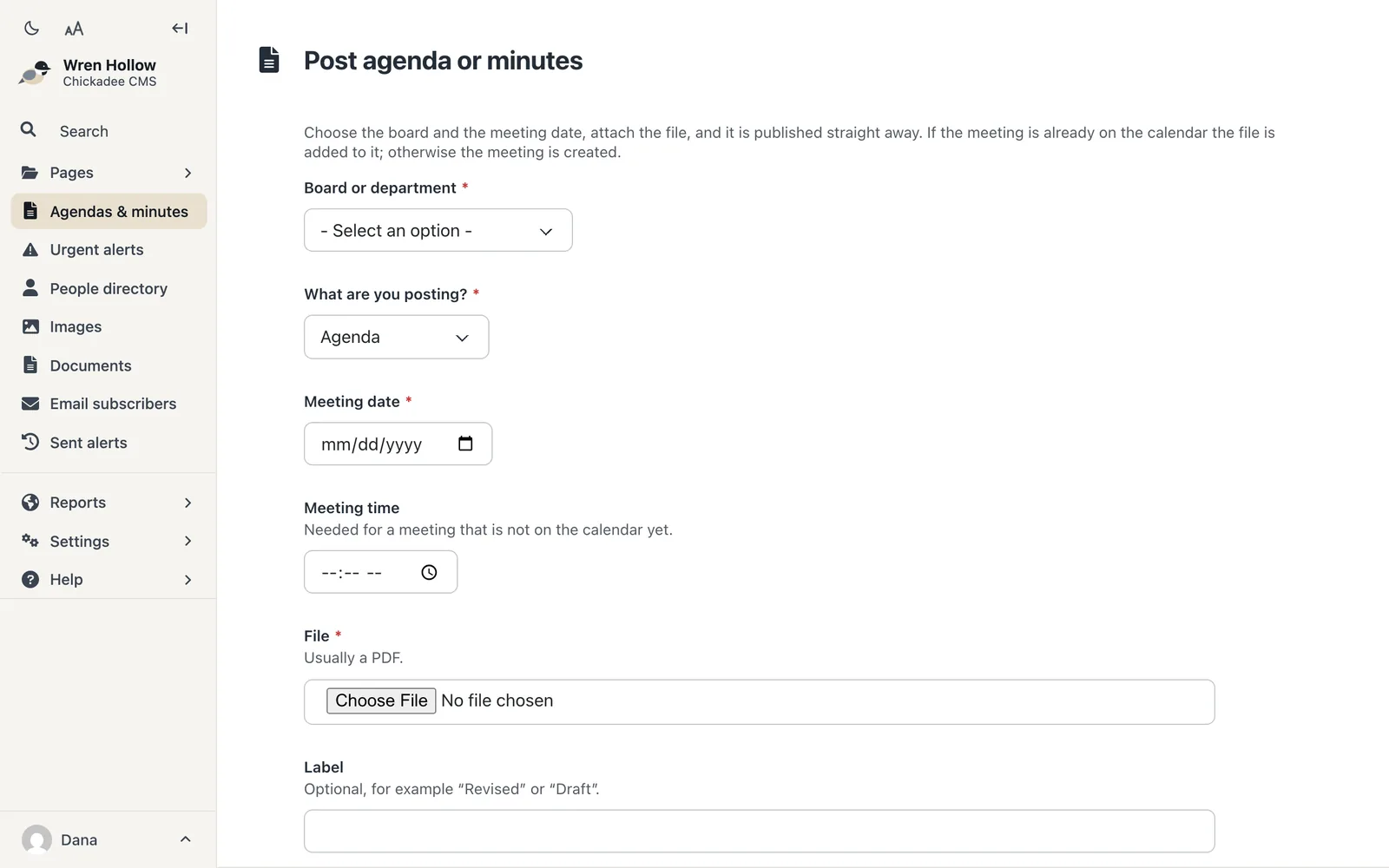
The form for posting an agenda or minutes: board, type, meeting date, time and the document itself.

Each department edits its own pages

Everyone edits only the pages they are responsible for. The Council on Aging director, for example, can update the Council on Aging pages and nothing else.
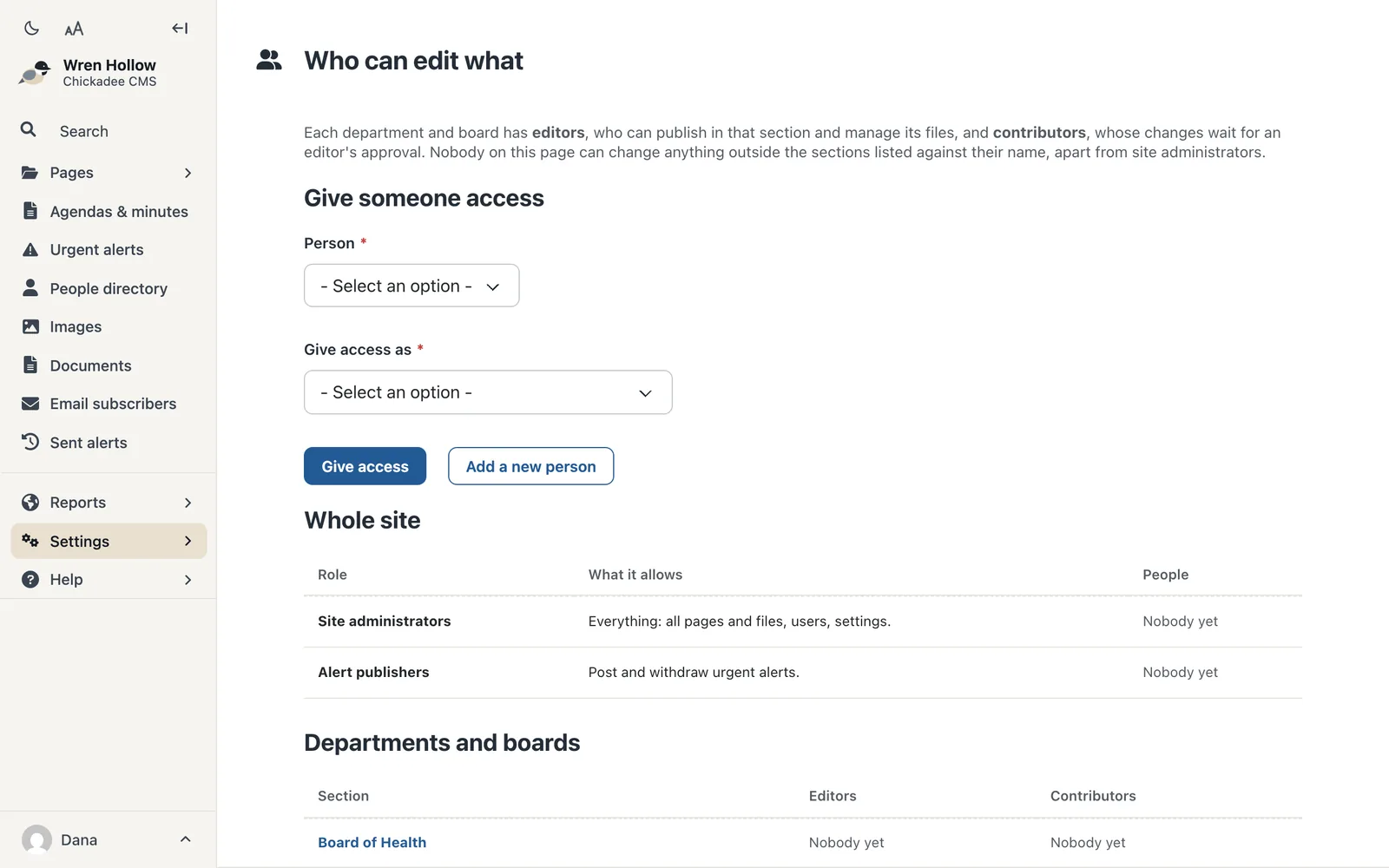
The Who can edit what screen, listing roles for the whole site and editors and contributors for each department and board.

Four themes, in your town's colors

Preview a theme on your own site before anyone else sees it. Chickadee checks that your colors are easy to read and suggests a close match when they are not.
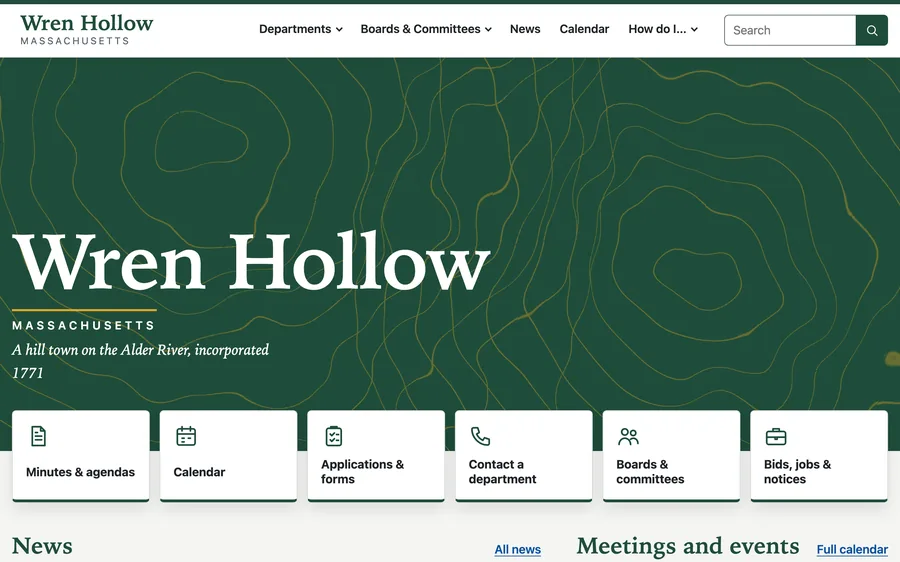
  • The Classic theme in green and gold.

    Classic

    Serif headings and a white header.

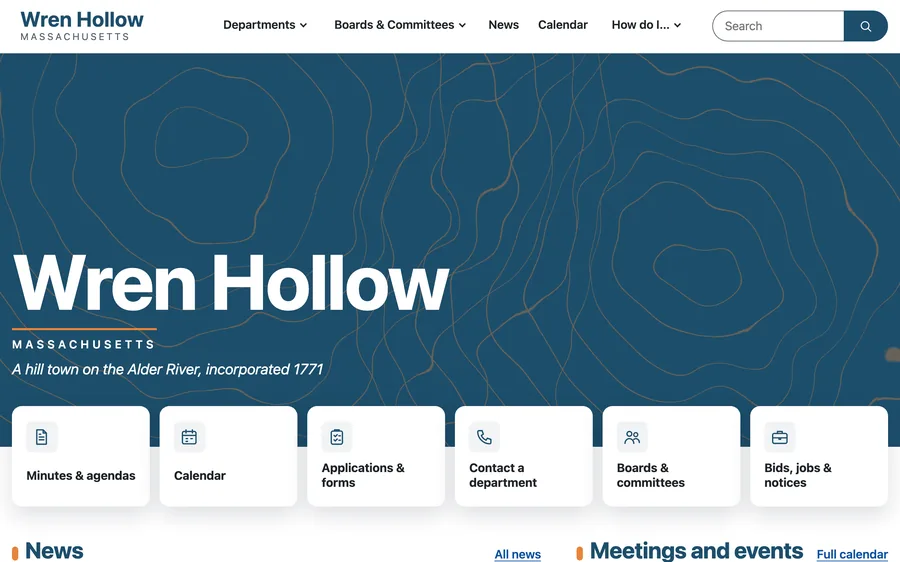
  • The Modern theme in blue and orange.

    Modern

    Simple type and rounded cards.

  • The Heritage theme in maroon and gold.

    Heritage

    Serif throughout, with a header in the town color.
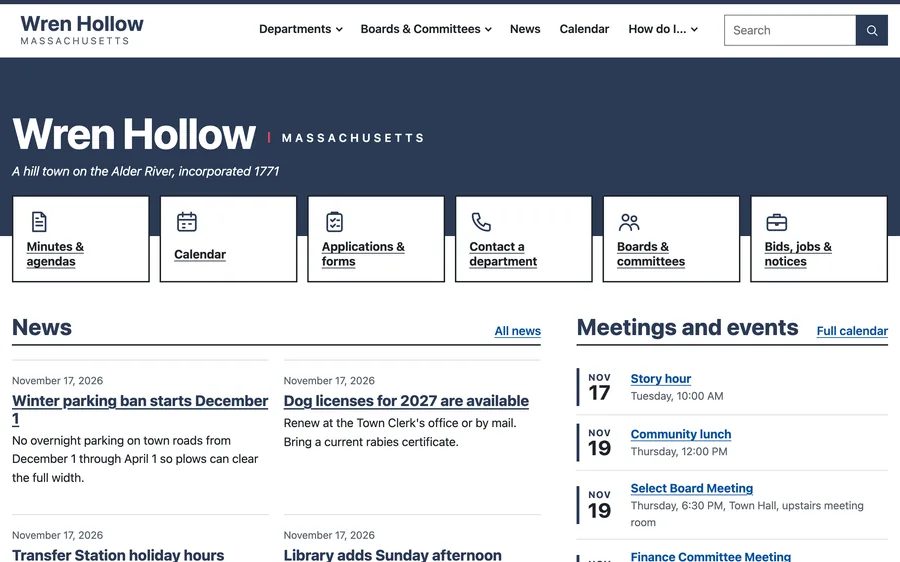
  • The Plain theme in navy.

    Plain

    A compact banner and a simple layout that is quick to read.

The details

Sign-in
Staff can sign in with the Google or Microsoft accounts the town already uses. Two-step sign-in is available for extra security.
Accessibility
Every page layout is tested against the WCAG 2 AA accessibility standard before each update.
Hosting
We host your site and keep it up to date. Each town's information is kept separate from every other town's.
Phones
Every page works well on a phone, for residents and for staff.

Ask for a demo

Send us a note and we will find a time to show you Chickadee with your town in mind.

[email protected]